

Categories
Latest Posts



Tags
Advertising Amazon Amazon Advertising Amazon Experts Amazon Listing Optimization Amazon Marketplace Amazon News Amazon Prime Amazon Professional Sellers Summit Amazon Seller amazon sellers Amazon Seller Tips Amazon Seller Tools ASIN Brand Management Brands Buy Box Campaign Manager Conference COVID-19 downloadable Dynamic Pricing Ecommerce FBA FBM Holiday Season industry news Multi-Channel Fulfillment Optimize pay-per-click Pricing Algorithm Pricing Software Private Label Profits Repricing Repricing Software Revenue Sales Seller Seller-Fulfilled Prime Seller Performance Metrics SEO SKU Sponsored Products Ads Strategy
Get the latest insights right in your inbox

Marissa Incitti
Marissa Incitti leads research and content at Feedvisor focused on Amazon, Walmart, and the broader e-commerce marketplace ecosystem. Her work covers retail media performance, pricing strategy, and how AI-driven discovery is reshaping how brands compete across marketplaces. Prior to Feedvisor, she worked in content leadership roles at a Fortune Global 500 omnichannel commerce technology company.
Amazon Product Images: Requirements, Best Practices, and What Actually Moves Conversions
Published: February 27, 2017
Last updated: May 22, 2026
Amazon product images are the visual assets - photographs, infographics, lifestyle shots, and videos - that represent your item in search results and on the product detail page. Amazon requires at least one image per listing and allows up to nine image slots total (one main image plus eight additional views). In categories where video is enabled, one of those slots can be a video. Brand Registered sellers get additional image real estate through A+ Content.
Most sellers treat image requirements as a compliance checklist. That’s the wrong frame. Your images are your single highest-leverage conversion asset - fixing a weak main image frequently outperforms any pricing or advertising change you could make to the same listing.
Table of Contents
- The Main Image: Non-Negotiable Rules
- The Other Eight Slots: How to Use Them
- Video and 360-Degree Spin
- Technical Specifications
- AI-Powered Image Tools
- Compliance Enforcement: What Gets Listings Suppressed
- How Much Images Actually Matter
- FAQ
The Main Image: Non-Negotiable Rules
The main image is what shoppers see in search results and at the top of your product detail page. Amazon’s rules here are strict and enforced automatically in 2025-2026.
What the main image must have: - Pure white background (RGB 255, 255, 255 - not off-white, not cream, not light gray) - Product filling at least 85% of the image frame - The actual product, professionally photographed - no illustrations, 3D renders, or mockups - Full product in frame; no cropped or partial images
What the main image must not have: - Text, logos, watermarks, or graphics of any kind - Props, lifestyle accessories, or people (apparel excepted - models and mannequins are allowed) - Packaging, unless the packaging is itself the product - Multiple products in one shot, unless sold as a set
Books, Music, and Video/DVD require 100% frame fill. All other categories: 85%.
The 85% fill rule catches more sellers than any other requirement. A product that looks adequately sized in your photo editor often fills only 60-70% of the frame when measured precisely. Amazon’s automated system checks this and will suppress your listing without warning.
The Other Eight Slots: How to Use Them
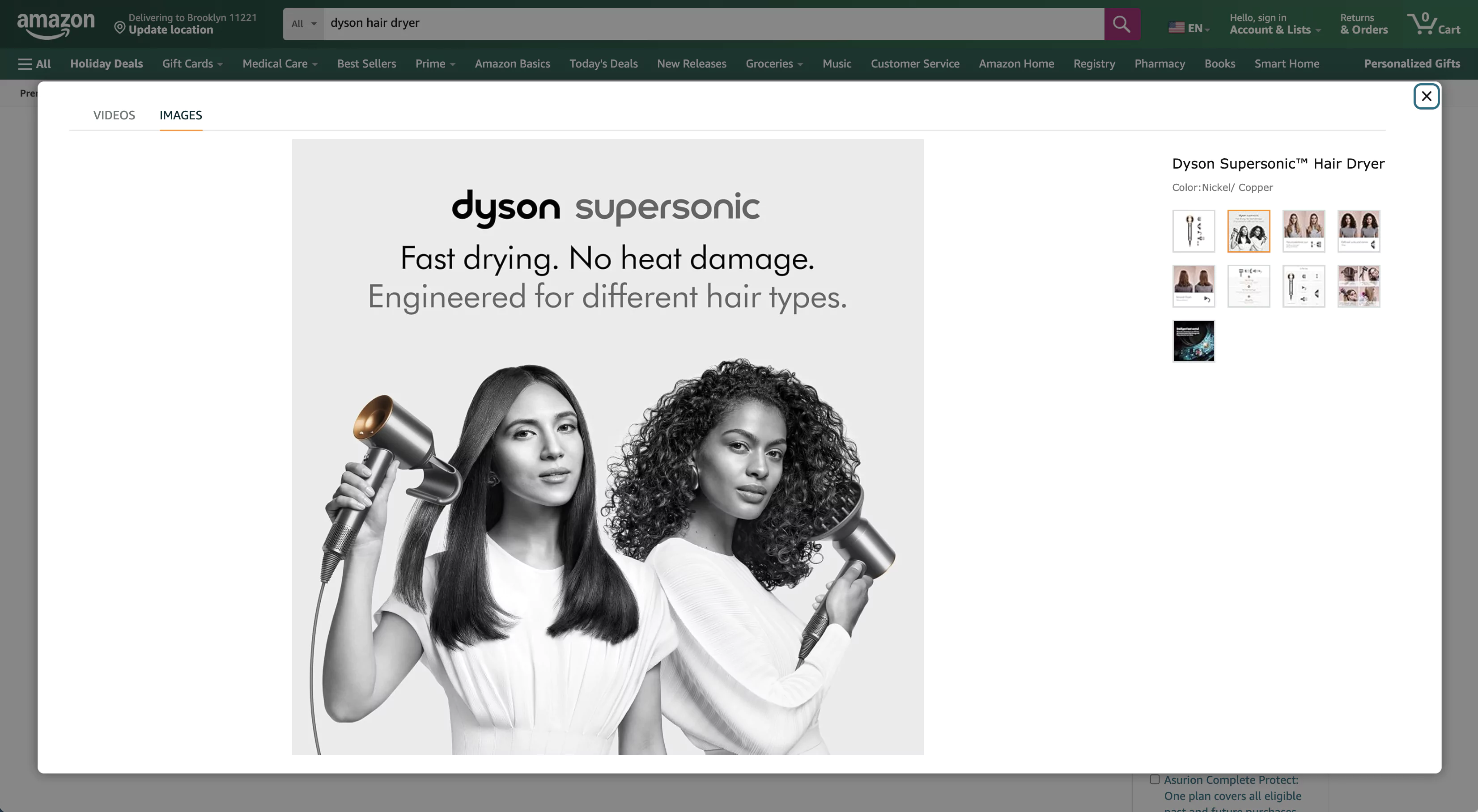
White background not required. You can include text, graphics, props, people, and lifestyle settings. The 85% fill rule still applies, and all images must still be in focus, professionally lit, and accurate in color. What you do with these slots has a measurable impact on whether a shopper adds to cart.
Most shoppers on mobile view two or three images before deciding. Slot 2 - your first secondary image - does most of the persuasion work. Front-load accordingly:
| Slot | Image Type | Purpose |
|---|---|---|
| 2 | Lifestyle shot | Show the product in real-world use; creates emotional connection |
| 3 | Feature infographic | Callout graphics highlighting specifications and key differentiators |
| 4 | Scale/size comparison | Product next to a hand, common object, or dimension overlay |
| 5 | Included components | “What’s in the box” shot for complete-set clarity |
| 6 | Detail or close-up | Texture, materials, stitching - the details that justify the price |
| 7 | Social proof or comparison | Before/after, comparison chart, or key feature versus competitor standard |
| 8 | A+ preview or benefit callout | Strongest remaining point - often the one that pre-answers the top return reason |
| 9 | Video (if enabled) | See below |
Infographics in slots 3-4 answer the questions shoppers ask before clicking your product description: size, what’s included, material, and one headline benefit. Put those in a single scannable image and you’re pre-answering the four questions that drive most returns. As a starting point: one bold benefit claim, one “what’s in the box” callout, and a size reference. Test from there.
Video and 360-Degree Spin
Amazon allows up to seven videos per listing. Specs: HD 1080p, 16:9 aspect ratio, MP4/H.264, 7-60 seconds, under 180MB. The main video auto-plays muted. Video-enabled listings see conversion lifts of 15-30% through demos - shoppers who watch a product in action are answering their own objections before they buy, which is why return rates tend to drop when conversion goes up.
360-degree spin imagery works through Amazon’s 3D View feature and A+ Content modules. It requires 12-72 still images stitched into an interactive rotation. For products where form factor matters - electronics, shoes, bags, kitchenware - 360 imagery meaningfully reduces returns by closing the gap between an online purchase and handling the object in a store.
One caveat: neither video nor 360 spin rescues a weak main image. Prioritize the still images first - a compliant, high-resolution main image and a sequenced secondary set. Then layer in richer assets.
Technical Specifications
| Spec | Requirement | Recommendation |
|---|---|---|
| Minimum pixel dimension | 1,000px on longest side | 2,000 x 2,000px or larger |
| Maximum pixel dimension | 10,000px | – |
| Maximum file size | 10 MB | Compress to under 1 MB for faster load |
| Preferred format | JPEG (.jpg) | JPEG for photos; PNG for graphics with transparency |
| Also accepted | PNG, TIFF, GIF | No animated GIFs |
| Color modes | RGB or CMYK | – |
The 1,000px minimum enables Amazon’s zoom function - the feature that lets a shopper enlarge your image to inspect details. That zoom interaction is often the last moment before “add to cart” or “back to search results.” Shoot at 2,000px or above. On a high-DPI phone, a 1,000px image can look soft and unconvincing next to a competitor’s 2,500px shot. The 2,000px+ recommendation isn’t pedantic - it’s the mobile minimum.
File naming: - Main image: [ProductIdentifier].[extension] - e.g., B000123456.jpg - Secondary images: [ProductIdentifier].[VariantCode].[extension] - e.g., B000123456.PT01.jpg - No spaces, dashes, or special characters - these prevent images from displaying
AI-Powered Image Tools
Amazon launched AI Creative Studio in October 2024 - a free platform through Amazon Ads that turns a product photo into lifestyle images, dynamic ad videos, and audio ads. The A+ Content Manager offers a separate AI image generator for scene-specific backdrops in A+ modules.
AI-generated backgrounds are acceptable for secondary images and A+ Content. They are not acceptable for the main image, which must remain an actual photograph of the product on a pure white background. Putting an AI-generated lifestyle scene behind your main image gets the listing suppressed - and misrepresented main images drive returns that outlast the original violation by weeks.
Practical approach: use AI Creative Studio to generate two or three lifestyle scene variants for slots 2-3, run a 7-14 day CTR test at modest ad spend, and keep the variant that raises clicks without increasing your return rate. This is the one area where running small experiments pays off quickly.
Compliance Enforcement: What Gets Listings Suppressed
Amazon’s automated enforcement tightened significantly in 2025. There is no human review buffer - the system runs real-time checks, and suppression happens without seller notification.
Violations that trigger suppression: - Non-pure-white background on main image (even slightly off-white is caught) - Text, logos, or graphics on the main image - Product filling less than 85% of the frame - Image resolution below 1,000 pixels - Watermarks or promotional stickers on main image
When a listing is suppressed, it disappears from search entirely. No impressions, no clicks, no sales. Amazon’s enforcement log won’t always identify which image caused the problem.
To audit: in Seller Central, go to Inventory > Manage All Inventory, click the three dots next to any listing, and select Manage Images. Older listings that passed when originally uploaded can now fail against updated automated standards - worth auditing proactively if your catalog has legacy imagery.
For more on what to do when images cause a suppression, see Suppressed Listings.
How Much Images Actually Matter
Run the math once and it stops feeling abstract. Take a listing with 1,000 monthly visits and a 7% conversion rate - 70 sales. Professional images and a well-sequenced secondary set can push conversion up by 15-30%. At 20%, you’re at 84 sales. On a $35 product with a 30% margin, that’s 14 extra sales × $10.50 margin = $147 more gross profit per month from the same traffic. That’s before the CTR improvement from a better main image, which compounds the effect.
The benchmarks behind that math:
- Professional, high-resolution images: conversion rate increases of up to 30% versus amateur photography
- Lifestyle secondary images: 15-30% more clicks compared to listings relying on white-background shots only
- Poor main images (less than 85% frame fill): CTR reduced by up to 23%
- 90% of online shoppers rate high-quality product photos as one of the most important purchase factors
- Average Amazon conversion rate across all categories: approximately 9-11% (early 2026)
Images are one of the few optimization levers that affect both CTR (what shoppers see in search) and conversion rate (what they do on the page). Most levers touch one or the other. Images touch both.
Optimize Beyond Images Strong images capture attention. Feedvisor’s AI-powered pricing and advertising platform turns that attention into conversions at scale - matching your pricing to demand and allocating ad spend where it actually produces margin. Learn how Feedvisor works
FAQ
How many product images can I upload to Amazon? Amazon allows up to 9 image slots per listing - one main image and up to 8 additional (other view) images. In video-enabled categories, one slot can be used for video. Brand Registered sellers can add further image assets through A+ Content.
Can I use AI-generated images on my Amazon listing? AI-generated images are acceptable for secondary image slots and A+ Content modules. The main image must be a real photograph of the actual product on a pure white background. AI-generated backgrounds on the main image violate Amazon’s policies and will result in listing suppression.
What does “85% frame fill” mean for Amazon images? Your product - not the background - must occupy at least 85% of the image area. A product that looks centered in a photo can still fail if there’s too much white space around it. Shoot with the product close to filling the entire frame and verify before uploading.
What happens if my Amazon product image doesn’t meet requirements? Amazon’s automated enforcement suppresses the listing - removing it from search without notification in many cases. Once you replace the non-compliant image, the listing typically becomes searchable again within 24-48 hours, though processing times vary.
Do secondary images need a white background? No. Secondary images (slots 2-9) can use any background - lifestyle scenes, textured surfaces, colored backdrops. The 85% fill rule and quality standards (in focus, accurate color, professional lighting) still apply.
Related articles: Create a Listing | Product Titles | Uploading Product Image | Quality Product Listing
Request Feedvisor 360 Demo